
When a WordPress plugin releases a new version, that is often the exact version you want to audit before installing the update.
Until now, there could be a short delay before newly released versions appeared in Plugin Auditor.
Plugin Auditor keeps plugin version history synchronized with WordPress.org through scheduled background jobs. This meant a new release could already be available on WordPress.org, but not yet appear in the Select version dropdown inside Plugin Auditor.
For users trying to audit the latest release, that delay was frustrating and sometimes made it look like the scanner was missing a version.
We have now fixed that with on-demand version refreshing.
Not seeing your version? Refresh it
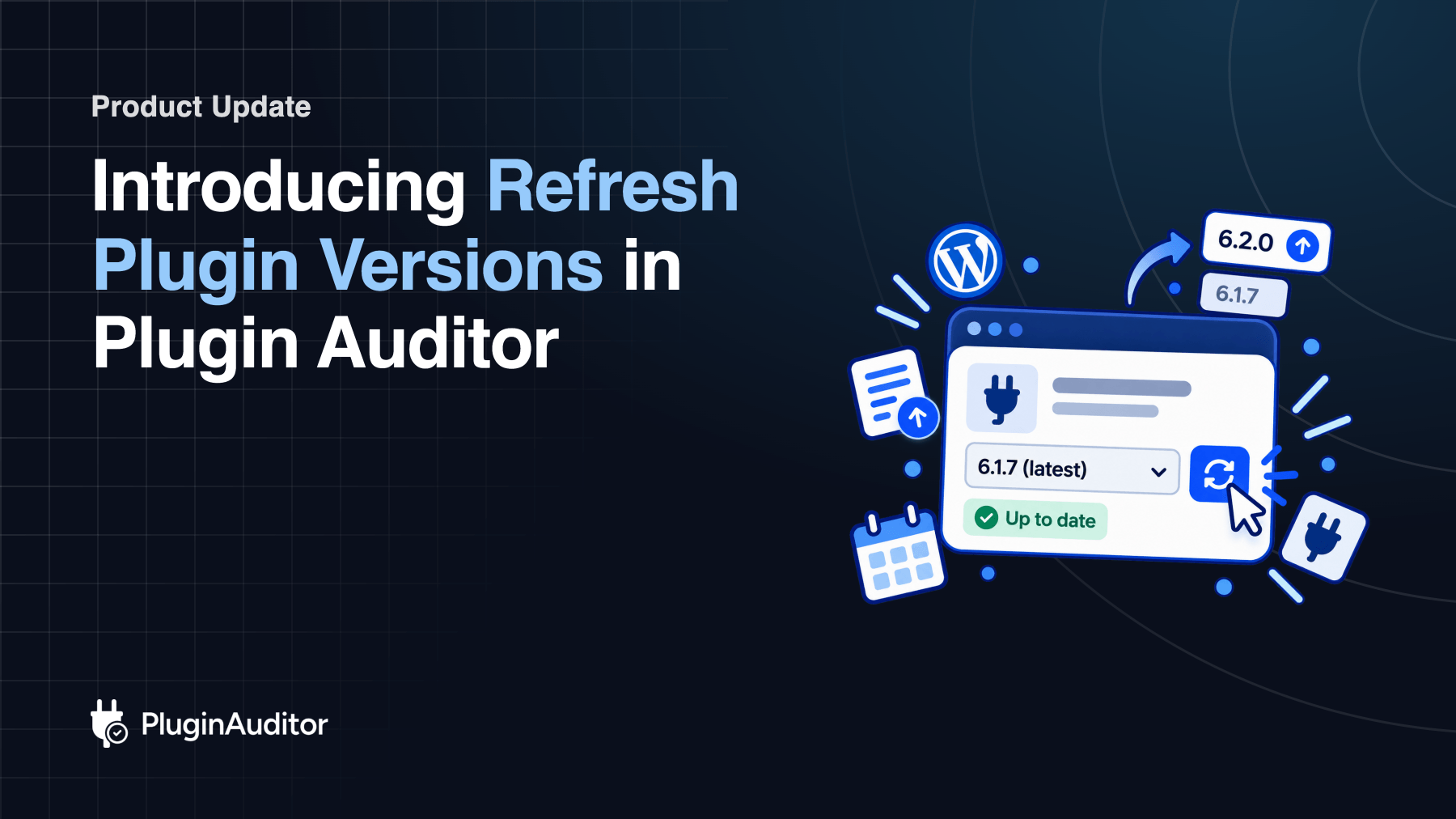
You will now see a “Not seeing your version? Refresh” option below the version selector when scanning a WordPress.org plugin.
If the version you want to audit is missing, simply click Refresh.
Plugin Auditor will check WordPress.org for the latest available versions, add anything that is missing, and update the dropdown immediately.
You no longer have to wait for the next scheduled synchronization.
How it works
Using it takes just a few steps:
- Search for a WordPress.org plugin.
- Open the Select version dropdown.
- If the version you need is missing, click Refresh.
- Plugin Auditor checks WordPress.org and updates the version list.
- Select the version and start your audit.

After refreshing, you will also see a confirmation showing what happened.
If new versions were found, Plugin Auditor will show a message such as: “2 new versions added.”
If everything is already current, you will see: “Version list is up to date.”
Why We Added It
A number of users were running into the same problem: they wanted to audit a newly released plugin version, but had to wait for our scheduled synchronization to catch up.
That is especially inconvenient when you are checking an update before installing it.
With Refresh Versions, you no longer have to wait. If the version is available on WordPress.org, you can pull it into Plugin Auditor and scan it right away.
Refresh Plugin Versions removes that waiting period and gives users more control over which plugin version they want to audit.
Built with safeguards
Plugin Auditor will continue synchronizing plugin versions automatically in the background.
Manual refreshes are an additional option for situations where you need a newly released version immediately.
We have also added safeguards such as per-plugin cooldowns and rate limiting to keep the feature fast and avoid unnecessary requests to WordPress.org.
Available now
Refresh Plugin Versions is now live for WordPress.org plugins and is available to both guests and signed-in users.
If a new plugin release is available on WordPress.org but missing from Plugin Auditor, you no longer have to wait for the next sync.
Just refresh the versions and scan the release you need.
